The Best Couple Widget Apps for iPhone in 2026
A couple widget is the smallest way to stay close: something from your partner that sits on your phone and that you see every time you pick it up. The apps below all do that, but they put very different things on your screen. Some show photos, some show notes or doodles, and some count your days together.
How we compared them
We read each app's App Store listing and noted what its widget shows and where it lives. Ratings are from the US App Store as of 28 November 2026. Rating counts change every day, so check the store before you decide. We make Duotone, so read our entry with that in mind.
Quick answer
- Love notes that stay on their Lock Screen, plus days together and countdowns: Duotone
- Photos from your partner and close friends: Locket
- Doodles and notes on the Home Screen: noteit, lovelee or Pookie
- Status and moments with a group of friends: Widgetable
- A simple days-together counter: Couple Widget: Love Countdown
1. Duotone: best for love notes on the Lock Screen
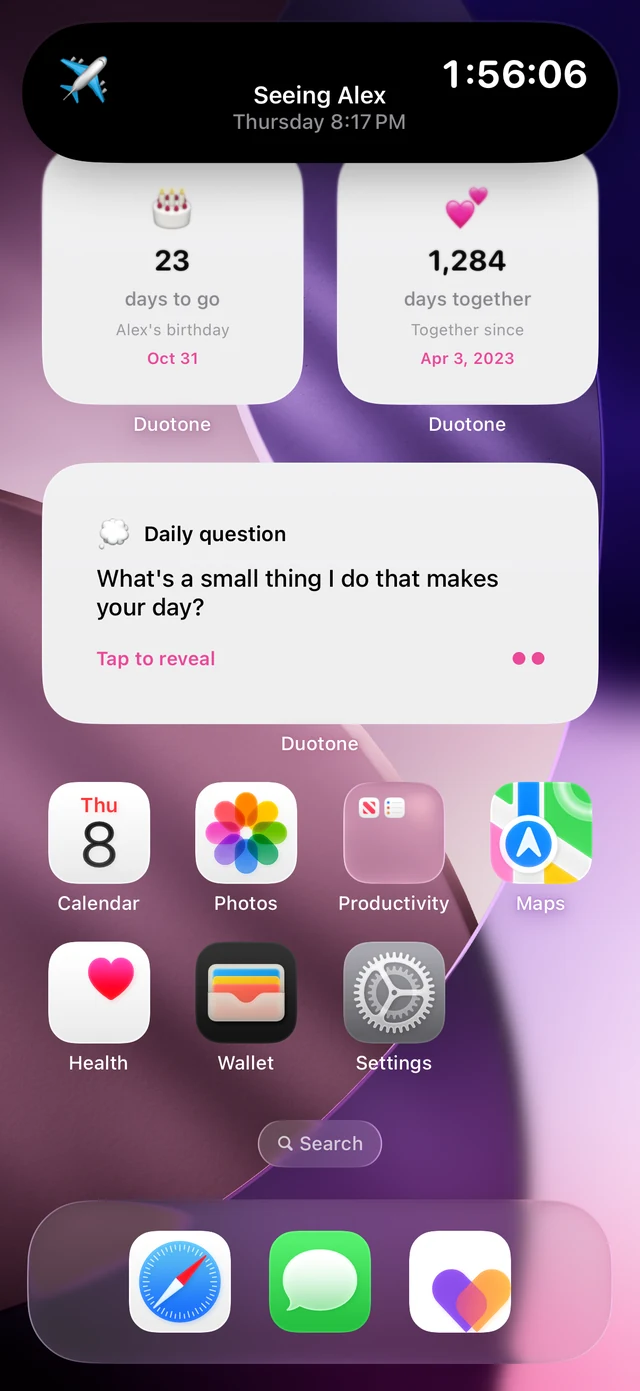
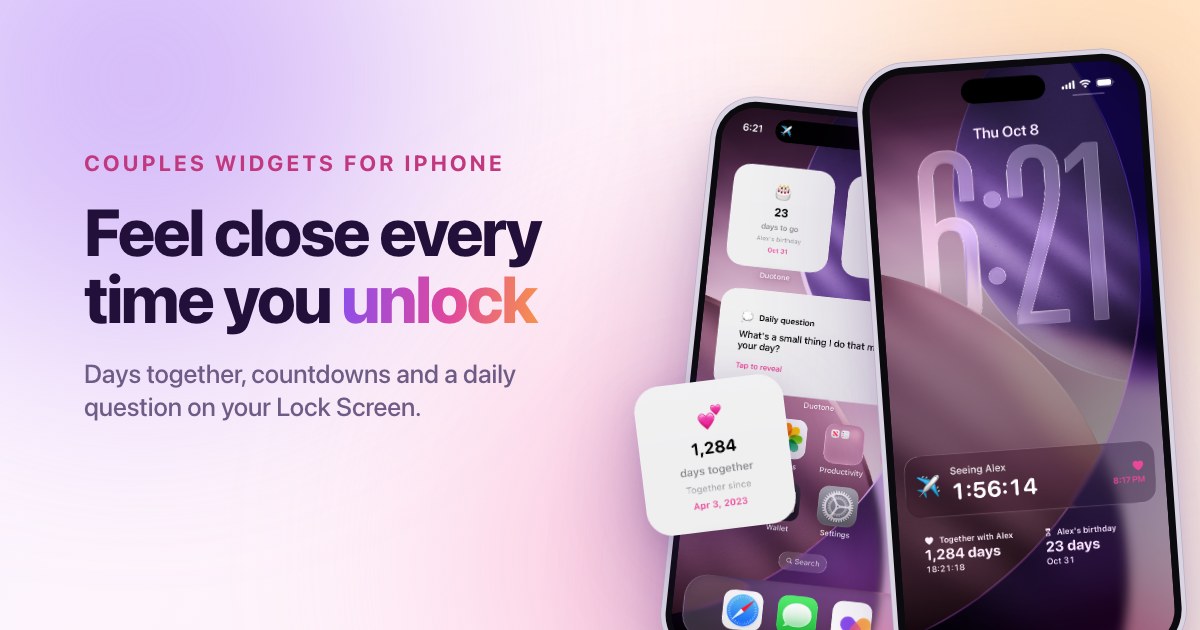
Duotone is built around widgets for two. Your days together, countdowns to anniversaries, birthdays and your next visit, and love notes from your partner sit on your Lock Screen and Home Screen. A love note stays there until your partner sends the next one, so it is still there hours later, every time you unlock. On the big day, a live countdown runs on your Lock Screen and in the Dynamic Island.
There is also a daily question (answer on your own, guess your partner's answer, then reveal together), games for two like This or that and Who's more likely, and a shared streak. Duotone is free to download with one love note a day. Duotone Premium adds unlimited notes, every game, widget themes and a Photo widget, and one subscription covers both of you. It is newer than the other apps here: 5.0 stars from 11 ratings.
2. Locket Widget: best for photos
Locket shows live photos from your closest people on your Home Screen. When someone sends a picture, it appears on your widget, and you can reply with one of your own. You can have up to 20 friends, so it works for a partner and a small circle. It is one of the most rated apps here: 4.8 from about 597,000 ratings.
3. Widgetable: best for friends and couples together
Widgetable turns your Home Screen and Lock Screen into a shared space with your closest people. You share a status (napping, studying, out), post small moments and react to each other's. Its listing is written for best friends, and many couples use it too. 4.9 from about 390,000 ratings.
4. noteit: best for quick drawings
noteit is a widget that shows live notes from your partner on your Home Screen. You link with your partner, then send a drawing or a picture straight to their screen. It is simple and does one thing. 4.8 from about 99,000 ratings.
5. lovelee: best for a cozy, game-like app
lovelee gives the two of you a little boat that gets cuter as you use the app. You send letters, doodles and photos, and your partner's newest one pops up on their Home Screen. It also has a daily question. 4.6 from about 960 ratings.
6. Pookie: best for raising a pet together
Pookie has you raise a pet together, send notes and doodles that land on each other's Home Screen, and play games across two phones. 4.6 from about 1,400 ratings.
7. Couple Widget: Love Countdown: best for a simple day counter
Couple Widget shows your days together at a glance and reminds you of milestones like 100 days and anniversaries. It also has a shared photo diary. 4.6 from about 4,000 ratings.
Lock Screen or Home Screen?
Most note and doodle widgets in this list describe themselves as Home Screen widgets. The Lock Screen is the one place you see without unlocking, dozens of times a day, which is why Duotone puts love notes, your days together and countdowns there as well as on the Home Screen. If the Lock Screen matters to you, check each listing before you choose.
Try Duotone
Send a love note that stays on their Lock Screen, and see your days together every time you unlock. Free on the App Store.
Frequently asked questions
What is the best widget app for couples? It depends on what you want to see. For love notes on the Lock Screen and a days-together counter, Duotone. For photos, Locket. For doodles on the Home Screen, noteit or lovelee.
Do both partners need the app? To send each other notes, photos or doodles, yes: you both install the same app and connect. Duotone's days-together and countdown widgets also work on your own.
Are these apps free? All seven are free to download. Most have an optional subscription for extra features.
Do couple widgets work on Android? This list covers iPhone apps. Duotone is iPhone only for now, with an Android waitlist on our website.