Couple Lock Screen Widgets: What to Show (and What to Skip)
Your Lock Screen is the first thing you see, and the thing other people see when they pick up your phone. A couple widget can be a warm reminder, or it can be something you would rather not show. Here is how to choose.
Start with what you want to see every day
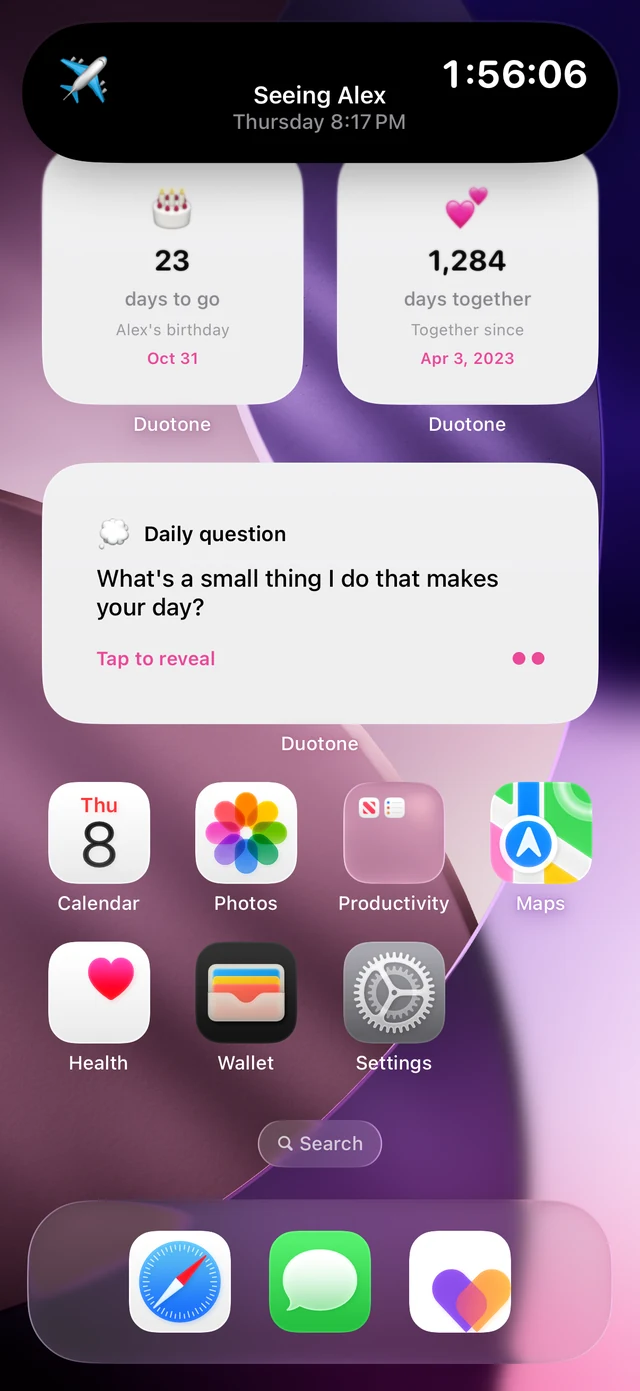
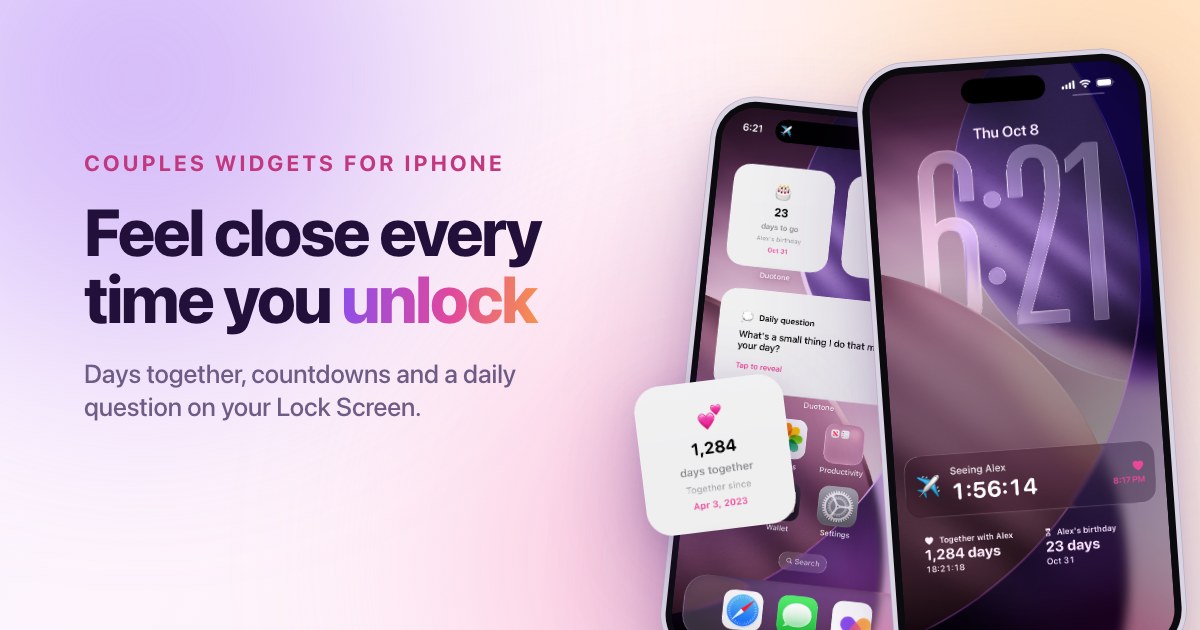
- Days together. A number that grows is a simple, positive reminder.
- The next date. A visit, a trip or an anniversary gives you something to look forward to.
- A daily question. A question on the Lock Screen invites a conversation before the day gets busy.
Think about who else sees your phone
Lock Screen widgets can be visible to anyone who picks up your phone, including colleagues, children or friends. Before you add a widget, ask yourself whether you would be comfortable with someone else reading it. Keep private details, such as nicknames you only use together or sensitive plans, out of widget text where possible.
What to skip
- Too many widgets. One or two is enough. The rest turn into background noise.
- Countdowns you no longer care about. If a date has passed, archive it or remove it.
- Photos you would not want shown in public. Photo widgets are lovely, but check what appears before you rely on them.
A simple setup for most couples
Choose the Together widget for your days, and the Countdown widget for your next date. Put them on the Lock Screen, and keep the Home Screen for the apps you use every day. Review the setup once a month, and change anything that no longer feels right.
Frequently asked questions
Can I show fewer widgets at certain times? iOS lets you create more than one Lock Screen, so you can keep a version with fewer widgets for times when you want less on show.
Do widgets drain the battery? Widgets are designed to be light and update on a schedule. If you ever notice battery drain, keep the number of widgets low and check battery usage in Settings.