Back to Blog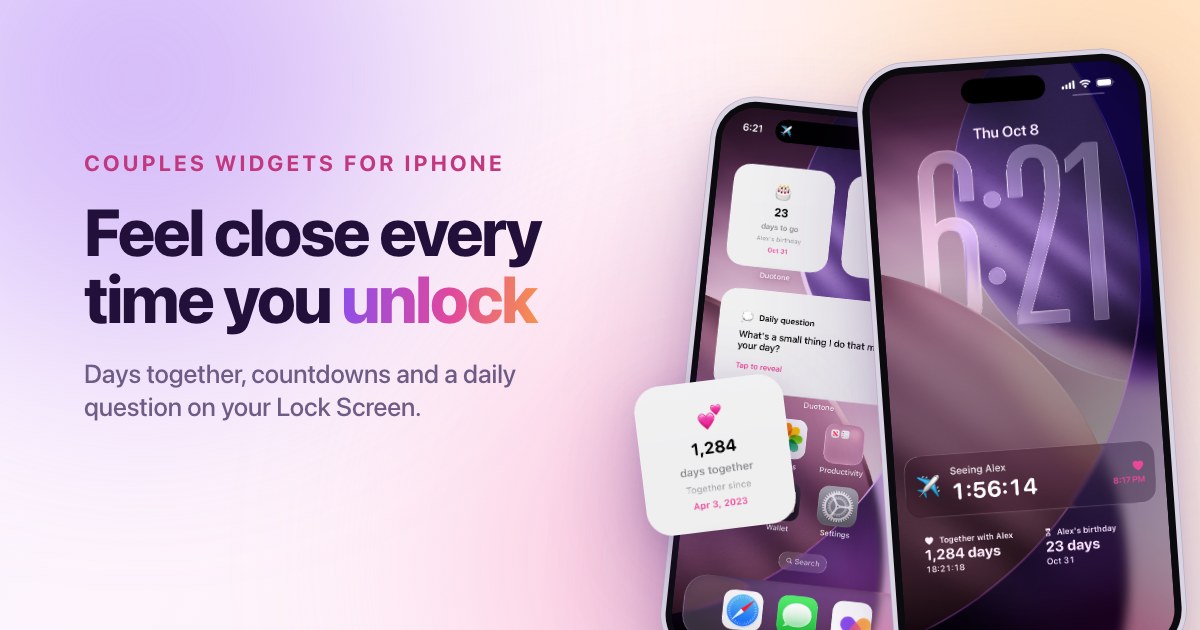
October 21, 2026
·Duotone Team
How to Set Up Countdown Widgets for Your Next Visit, Anniversary or Trip
A countdown changes how a week feels. Instead of waiting, you are getting closer. The trick is to count down to dates that matter, and to keep the list short enough that each countdown still means something.
Choose the dates worth counting down to
- Your next visit, or the day you will be together again.
- A trip you are planning, starting from the day you book.
- Your anniversary, which can repeat every year.
- A birthday or a moving day, if it matters to you both.
Set up a countdown in Duotone
- Open Duotone and tap Add a date on the home screen.
- Give the date a clear name, like "Seeing each other" or "Lisbon trip".
- Pick the day, and add an emoji if you like.
- Turn on Repeats every year for anniversaries and birthdays. Leave it off for one-off plans.
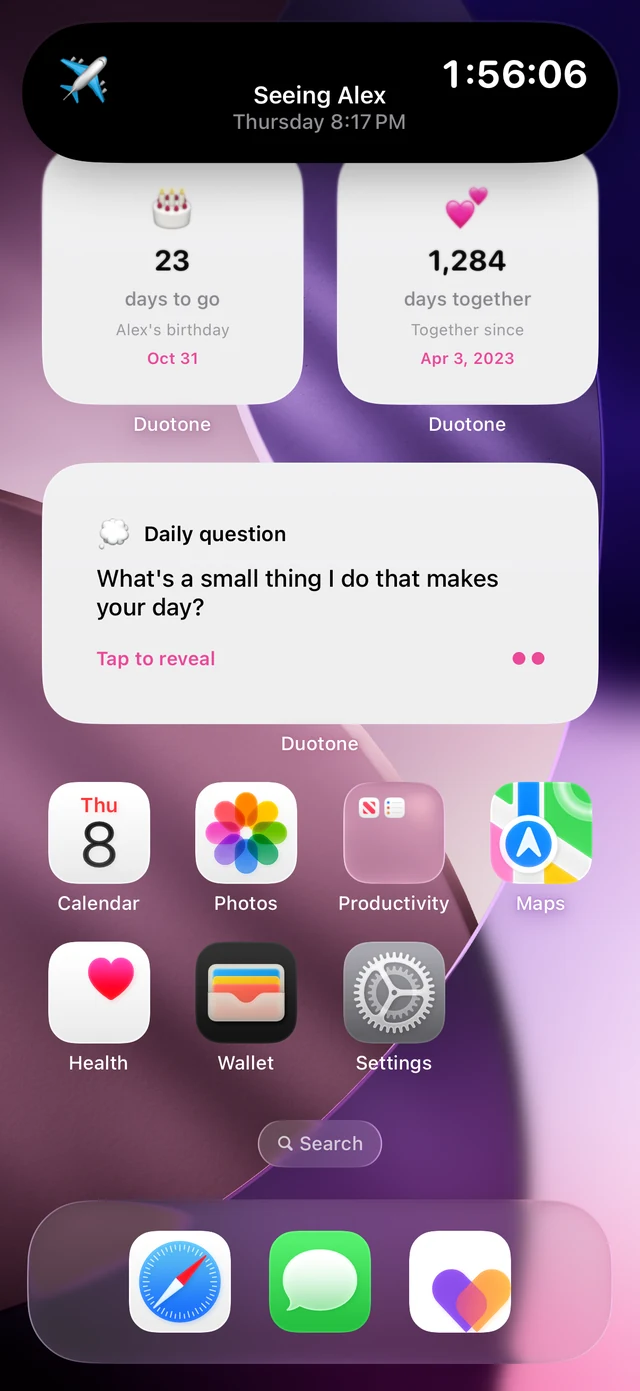
- Add the Countdown widget to your Lock Screen or Home Screen.
Keep the countdown useful
- Keep only the next one or two. A long list of countdowns stops feeling like anticipation and starts feeling like a to-do list.
- Update it when plans change. A visit that moved, or a trip that got shorter, should show the new date.
- Celebrate the day, not just the countdown. When the date arrives, plan one small thing to mark it.
If you want a general countdown app
General countdown apps are good for events that you count alone, like a conference or an exam. For a couple, the difference is that both of you see the same date, and you can keep the daily question alongside it.
Frequently asked questions
Can I count down to an anniversary every year? Yes. Turn on Repeats every year when you add the date, and it will count down again each year.
Do both partners see the countdown? Both of you need Duotone and need to be connected to share a couple's countdown.